How to Make AI Text Sound Human (Without Losing Meaning)
Learn how to humanize AI-generated text to make it sound natural and engaging while preserving the original meaning and intent.
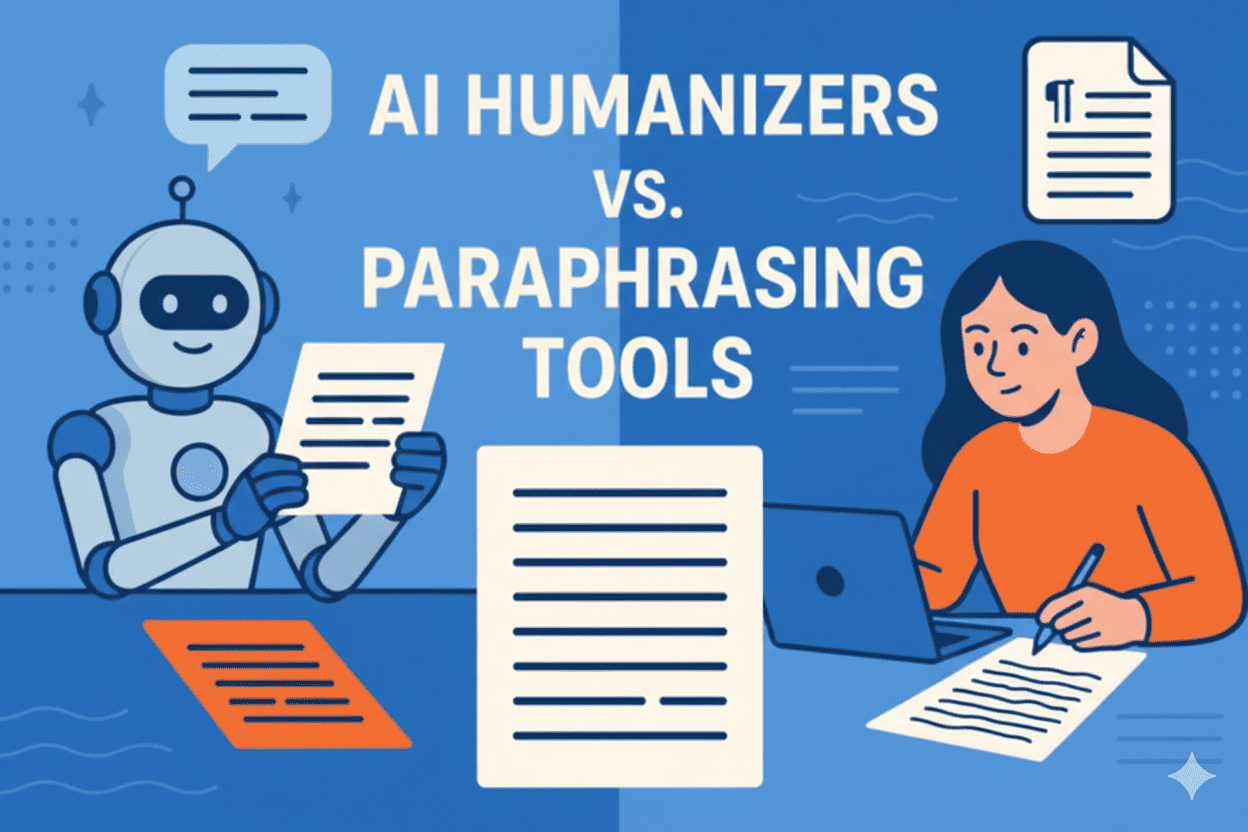
Artificial Intelligence is great at generating text, but often the output doesn't sound human. It can be repetitive, robotic, or flat — especially if you're using it for blog posts, emails, or social media. That's exactly where a Humanize Text tool comes in.
In this post, we'll show why humanizing AI text matters, and how you can use AI plus your voice to write better content faster.
Why AI Text Feels Robotic
- Repeated phrases
- Lack of natural tone variation
- Too formal or too generic
- Weak emotional connection
Even the best models sometimes miss human nuance — and readers can tell.
What Humanized Text Really Means
Humanized text: ✔ Sounds conversational ✔ Reads smoothly ✔ Matches your audience ✔ Keeps intent intact
The goal isn't changing what you said, but how it feels.
How to Humanize AI Text in 3 Simple Steps
- Generate your first draft with AI
- Paste into the Humanize Text tool
- Select tone (friendly / professional / casual)
Instantly, the tool adjusts style, phrasing, and flow so it feels like you wrote it.
When to Use It
- Social media captions
- Blog intros
- Emails & newsletters
- Product descriptions
- Student essays
Pro Tip
Always read the humanized output once — the tool does the heavy lifting, but your voice makes it sing.
Conclusion
If you want AI to assist rather than replace your voice, humanizing your text is the smartest step. Try the WowWrite Humanize Text tool today and see how your writing connects better with real people.
About the Author
Sarah J. Chen
Sarah J. Chen is a recognized expert in linguistics and academic integrity. With over a decade of experience in educational consulting, she specializes in the intersection of AI technology and professional writing.
View full profile & more articlesReady to Try Our AI Tools?
Use WowWrite to detect AI content, paraphrase text, check grammar, and more.